
Screen Recording
Monitor screen-recording devices, recording statuses and uploads to the centre. Review on-screen activity alongside audio for a fuller picture of the conversation.
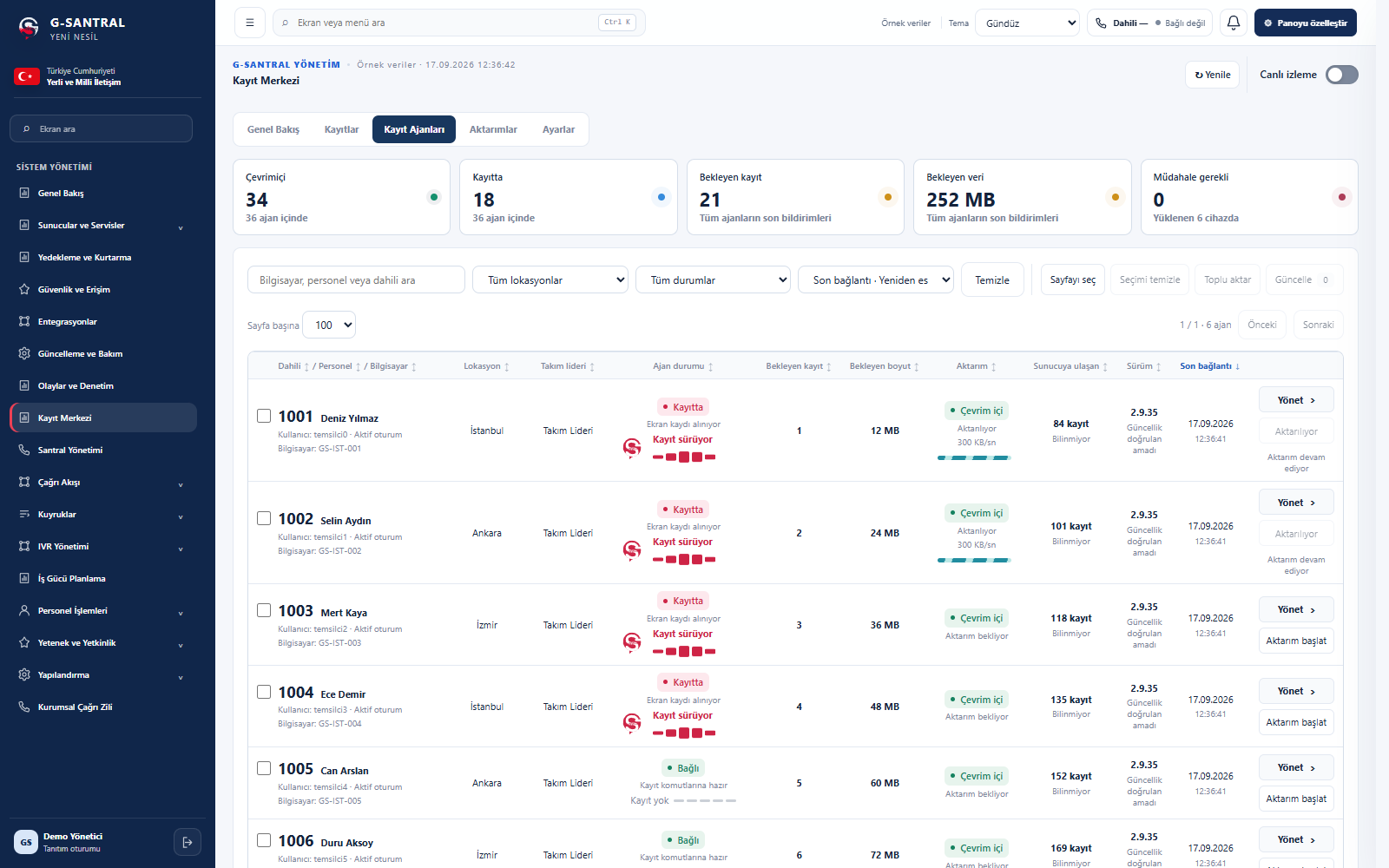 Enlarge screen
Desktop recording
management on the computer.
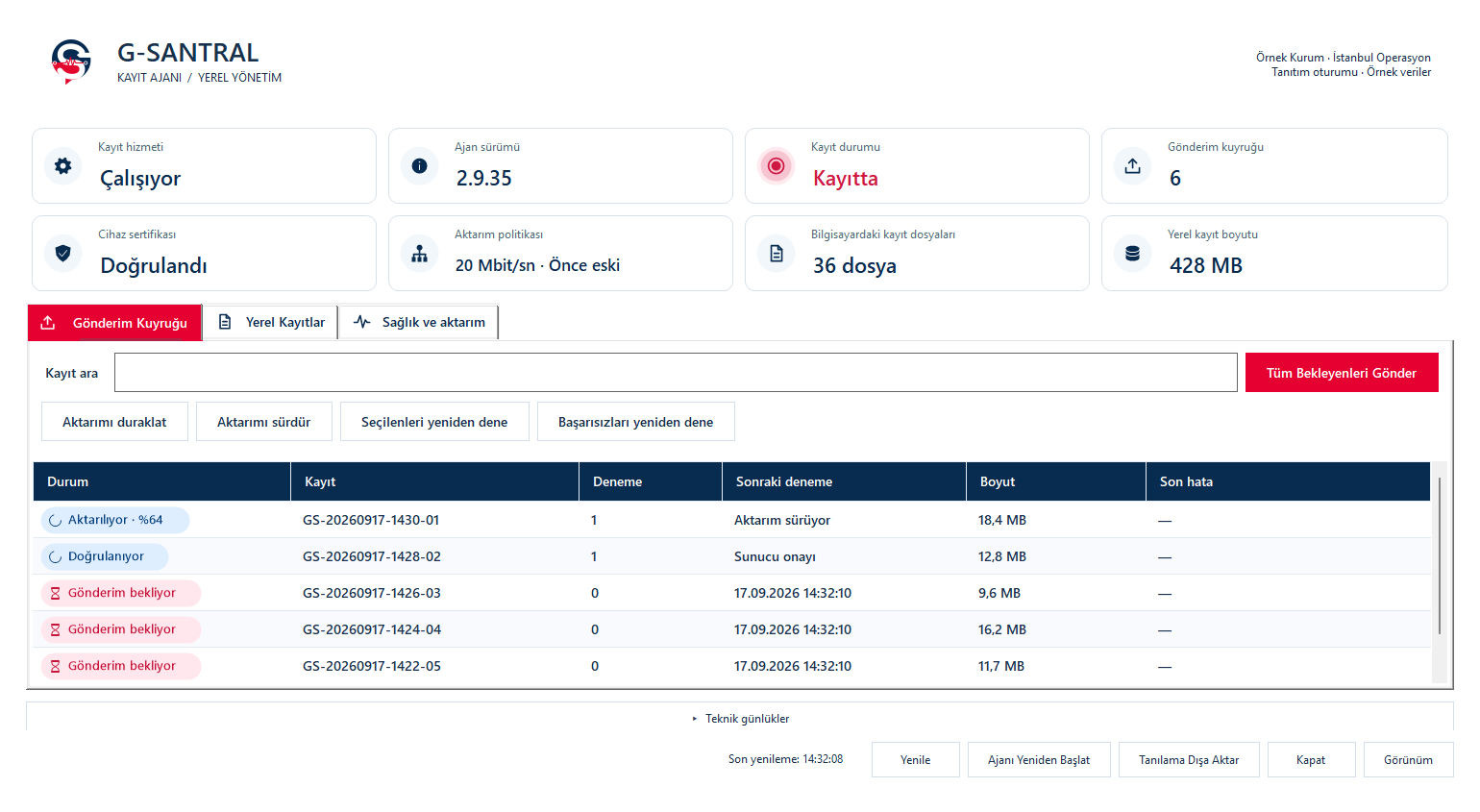
Track recording status, local files and uploads to the centre from the G-Santral Recording Agent’s local management panel.
- Recording and device statusView the recording service, agent version and device certificate status.
- Upload queueMonitor uploaded and pending recordings. Pause, resume or retry uploads.
- Local recordings and healthReview file counts, local recording size and upload policy. Access health information and technical logs from the same screen.
 Enlarge screen
A clear plan for your recordings.
Plan retention periods, access and archiving for audio and screen recordings together.
Discuss your retention planHow long are screen recordings retained?
Retention is specified in the proposal according to your organisation’s needs and service scope. Recording types, storage capacity and archiving are assessed together.
How are storage and backups planned?
Call volume, retention and the choice of voice or screen recording affect storage needs. Archives and backups are assessed separately; backup frequency, location and recovery scope are explained in the proposal.
Who can access recordings?
Listening, viewing and export permissions are planned by role and team. Agent and administrator access is defined around your organisation’s working practices.
What happens when retention ends or the service stops?
Archiving, deletion at the end of retention and record handover when the service ends are agreed with your organisation’s recording policy. Exports before retention expires form part of that plan.
Let us prepare a quote for your organisation.
Discuss modules, deployment options and integration needs with our team.